Getting Started with Excel
Getting Started with Excel
Learning Objectives
- Downloading Excel
- Accessing Excel through different platforms
Microsoft Office 365
Excel can be found in many different digital forms. This tutorial will describe the various ways you can access Excel.Microsoft Office 365 is the web version of Excel. It is the easiest way to access the program since it does not require any installation. This can be accessed through Microsoft Office 365
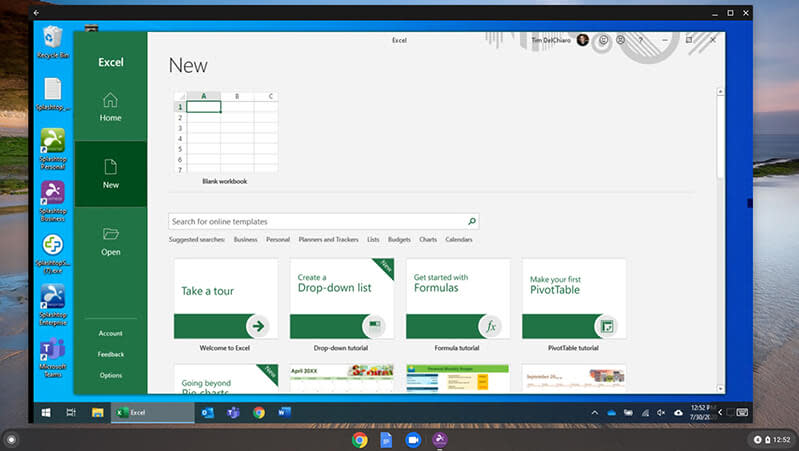
To access Excel on Microsoft Office 365 , first log in to your Microsoft account.
If you do not have a Microsoft account, please follow the quick and easy sign-up instructions on the website. Once you are logged in, click on the green spreadsheet icon on the left side to enter the application.
After entering the Excel application, click on the “New Blank workbook” button to open a new Excel spreadsheet.
Accessing Through the Mobile App
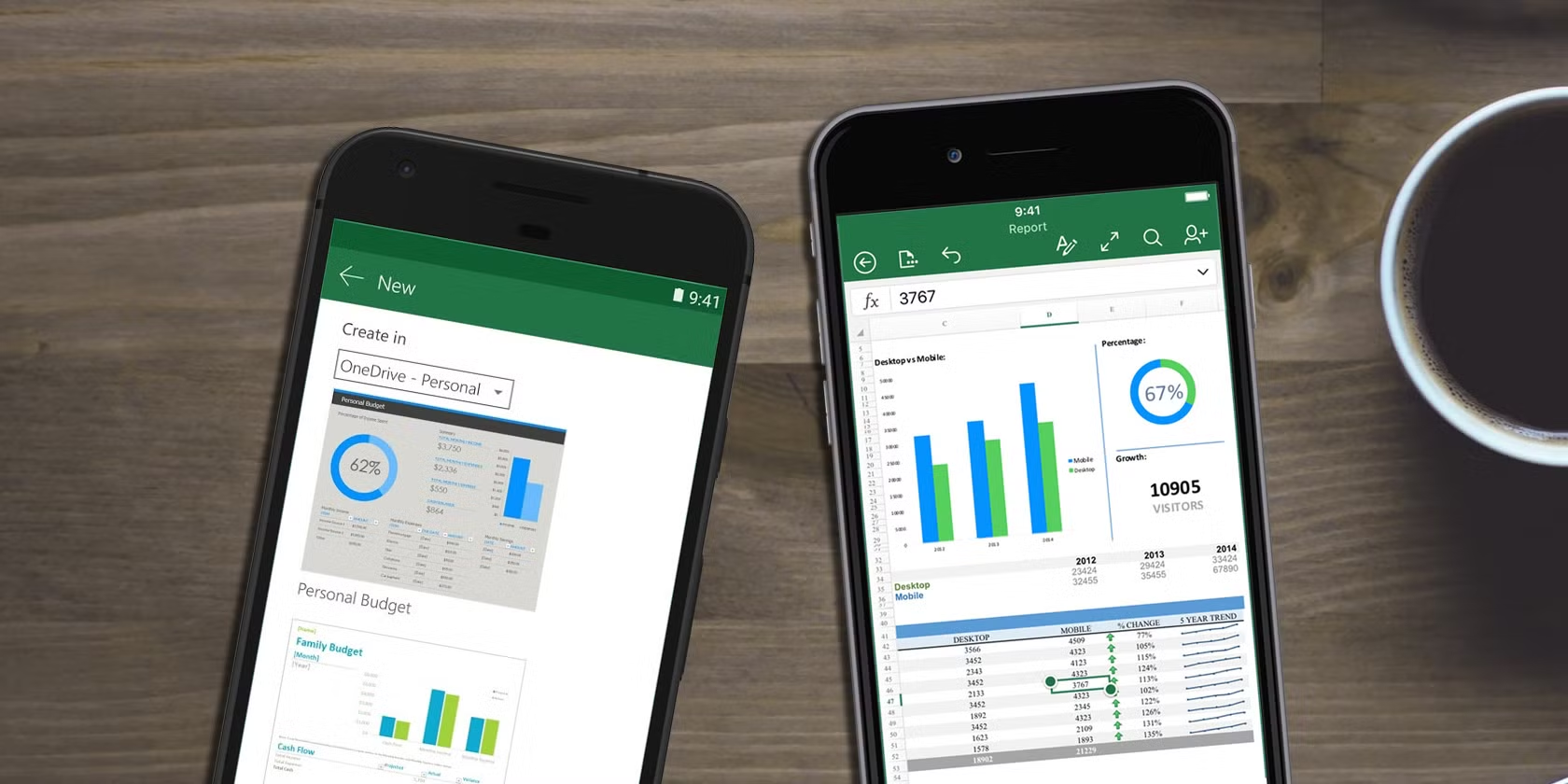
When you are on the go, the Excel mobile app allows you to view and edit your spreadsheet from your mobile device. The setup for the mobile app is simple. You will access your device’s app store and search for Microsoft Excel. Once you locate the Excel app, you will download the app as normal and then sign in to your Microsoft 365 account. After that, you are logged in and ready to work on your spreadsheet.
Accessing Through the Desktop App
While the browser version is the most common way Excel is used, it is limited in allowing users to use advanced Data Tools. For this reason, it may be beneficial to use the desktop version of Excel. The desktop app gives users full access to a range of formulas and functions, as well as the opportunity to work on their spreadsheet offline.Web Version vs. Desktop Version
| Feature | Desktop Version | Web Version |
|---|---|---|
| Advanced features (Power Query, Power Pivot) | Yes | No |
| Offline access | Yes | No |
| Workbook protection for confidential data | Yes | Limited |
| Full range of functions & formulas | Yes | Basic Only |
| Cost | Paid | Free |
| Collaboration | Available, but not as seamless | Very easy, real-time |
| Embedding on a webpage | No | Yes |