Relative v. Absolute References
Relative v. Absolute References
Learning Objectives:
- Understanding the difference between relative and absolute references
- Understanding the purpose behind relative references
- Understanding the purpose behind absolute references
Cells have unique references (also known as their location in the spreadsheet). The two types of references in Excel are relative references and absolute references.
Relative Reference
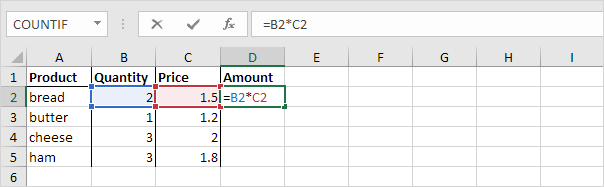
References are relative by default. They are marked without a dollar sign ($). This gives the fill function the freedom to continue the order in a range without restrictions.
Absolute Reference
An absolute reference is a reference that utilizes a dollar sign. This dollar sign indicates that the cell(s) are locked.The dollar sign has three different states:
- Column and Row
- The reference locks both the column and the row.
- Example: $A$1
- Column
- The reference is locked to the column.
- The row remains relative (free).
- Example: $A1
- Row
- The reference is locked to the row.
- The column remains relative (free).
- Example: A$1