Visual Conditional Formatting Elements
Learning Objectives:
- Understanding how data bars are used with conditional formatting.
- Learning Excel's color scales feature.
- Learning the purpose of icon sets.
Data Bars
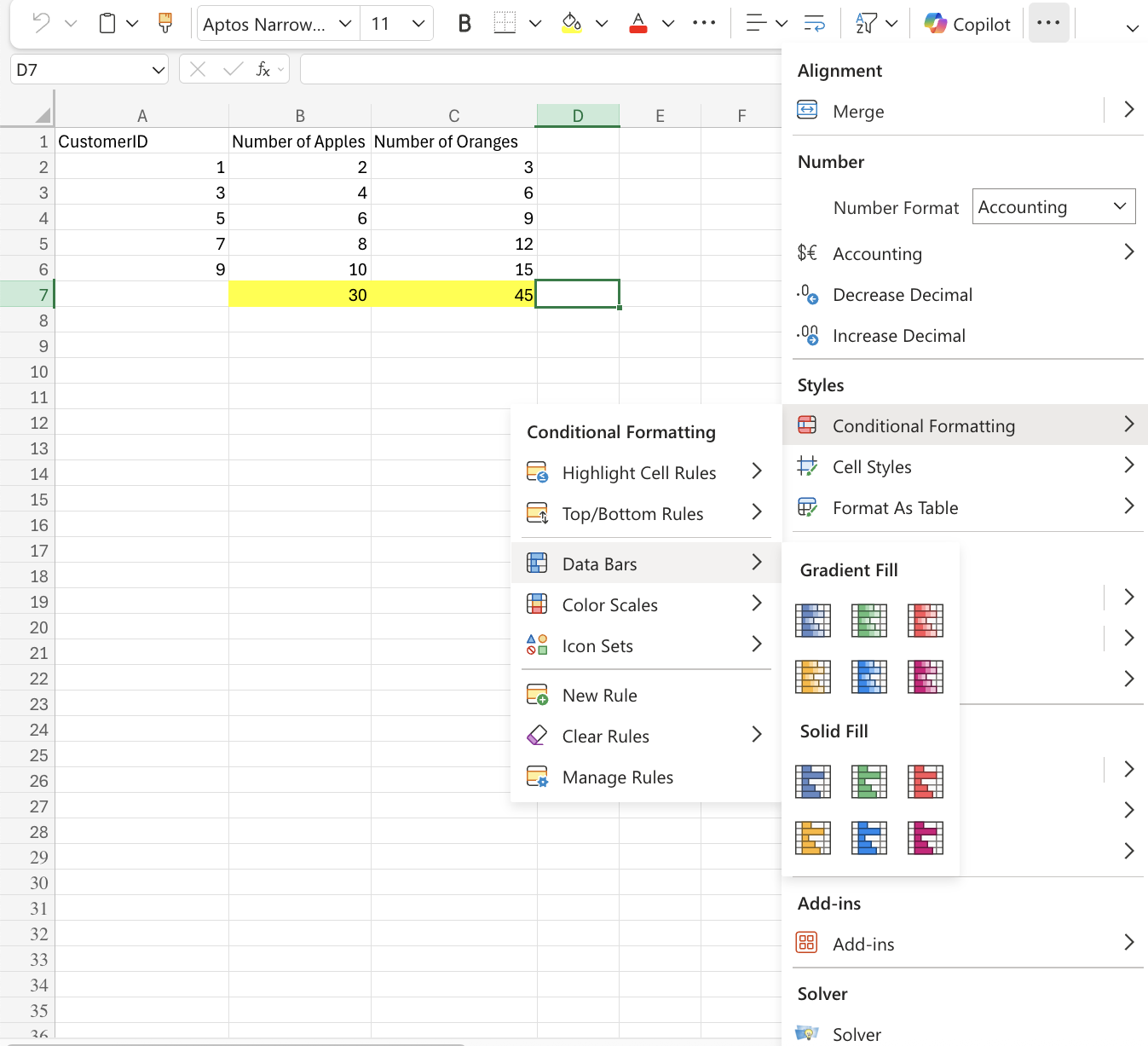
Data Bars is a conditional formatting condition that add colored bars to cells in a range to indicate how large the cell values are compared to the other values.
Color Scales
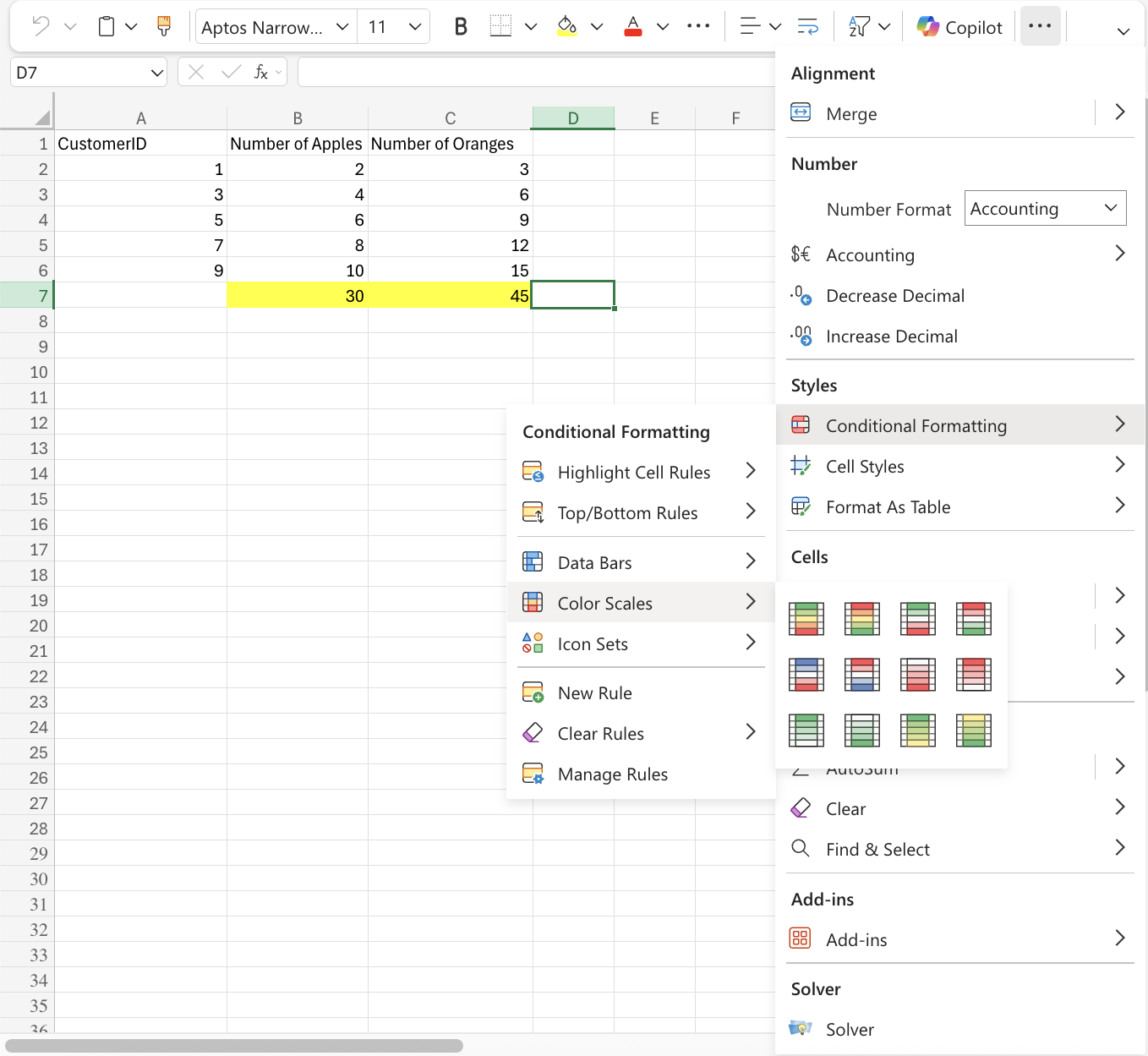
Color Scales are a conditional formatting condition used to highlight cells in a range to indicate how large the cell values are compared to other values in the range.
Icon Sets
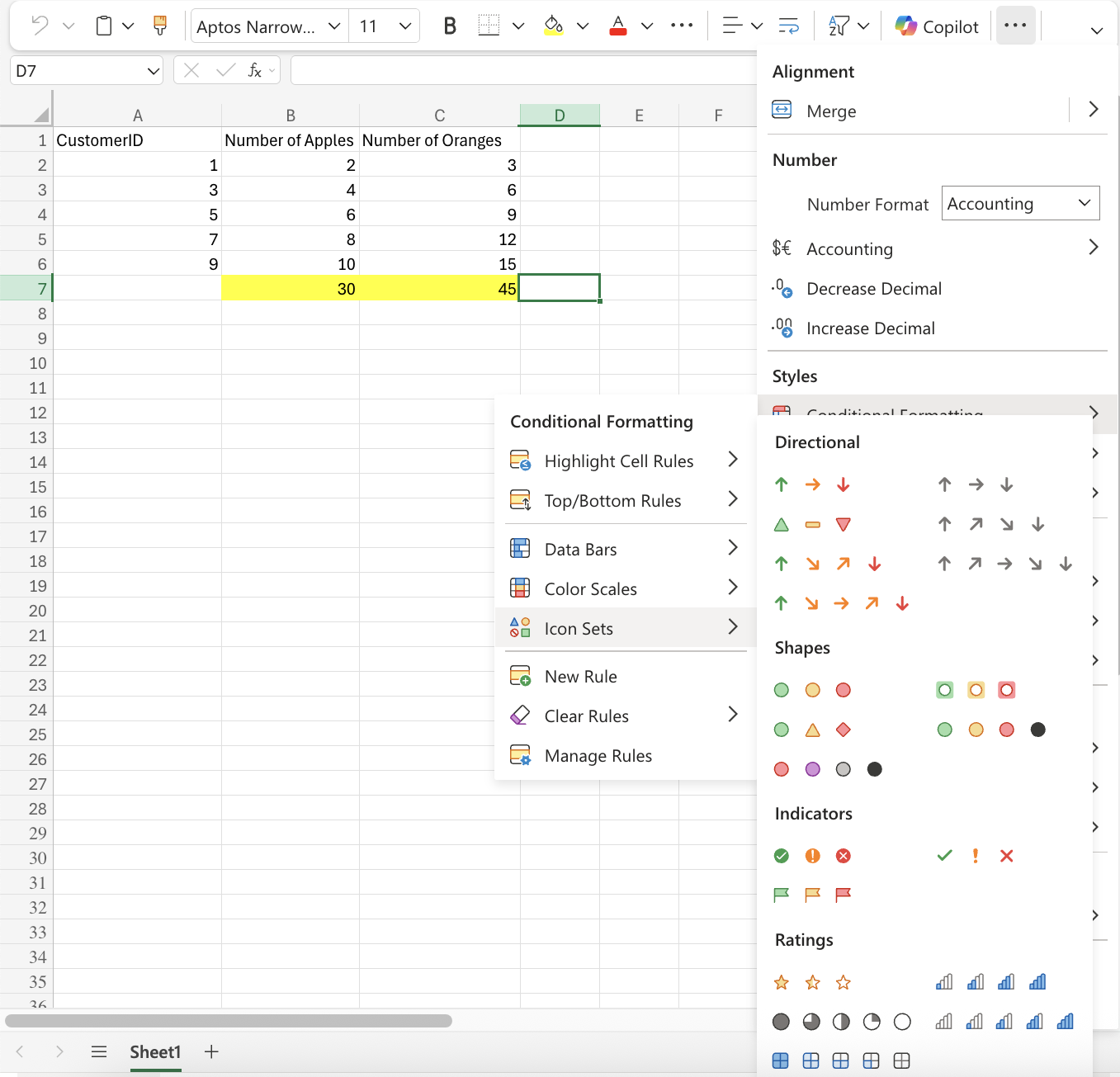
Icon Sets is a conditional formatting condition that adds icons to cells in a range to indicate how large the cell values are compared to the other values in the range. Icon sets can be used together with other conditional formatting rules.