Introduction to Functions
Learning Objectives:
- Understanding what functions are.
- Learning the purpose of functions.
Introduction to Functions
Functions in Excel are premade formulas. They are typed by = and the functions name.
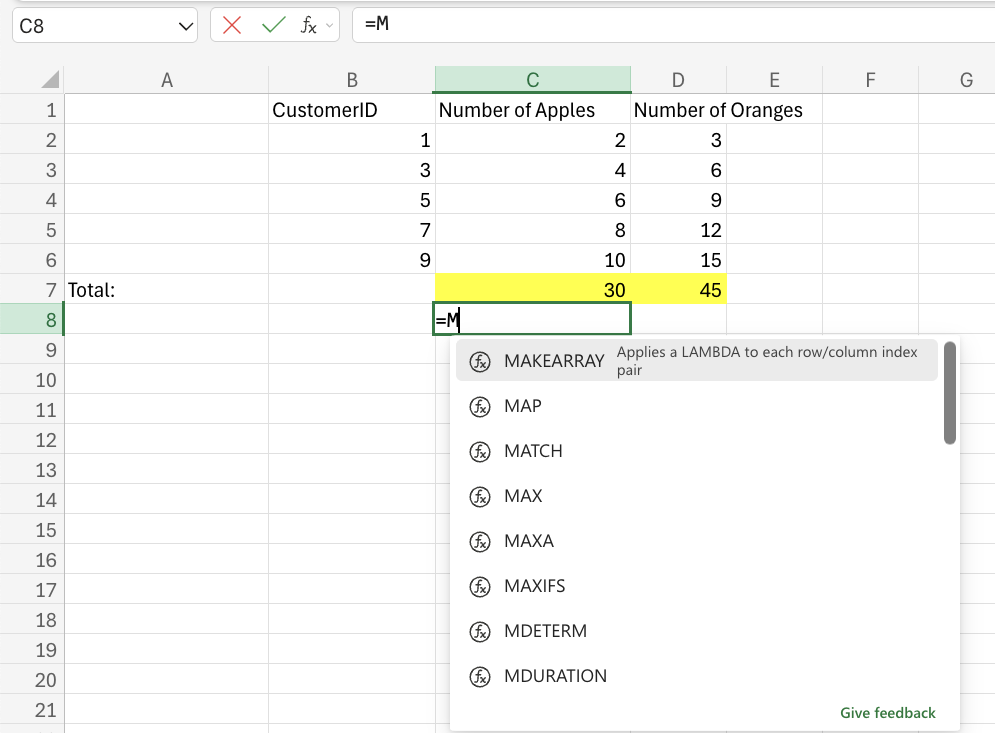
In this example, we can see that after typing the equal sign and one letter of a function name, Excel populates a list of Excel's built-in functions.
When a function is applied, it must be followed by a range.
In this example, we can see that the function will output the max number of the selected range.
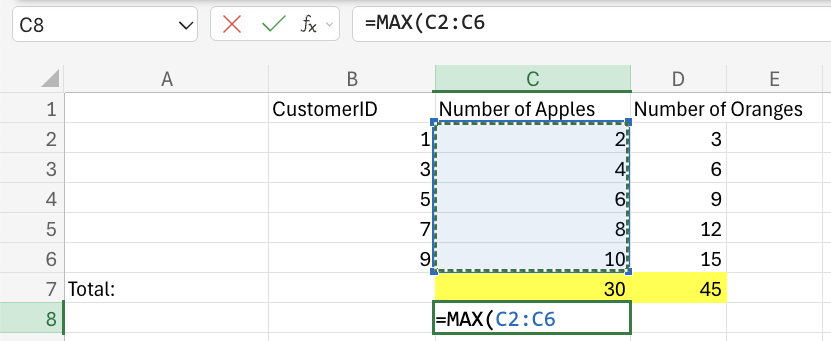
In this example, we can see that the function will output the max number of the selected range.