Excel Summary Stats Functions
Summary Stats Functions
Learning Objectives:
- Learning the common summary stats in Excel.
AVERAGE Function
The average function is a built-in function that calculates the arithmetic mean (the average). To use this function, use `=AVERAGE`. When calculating the average, you are adding the range and dividing it by the number of values.
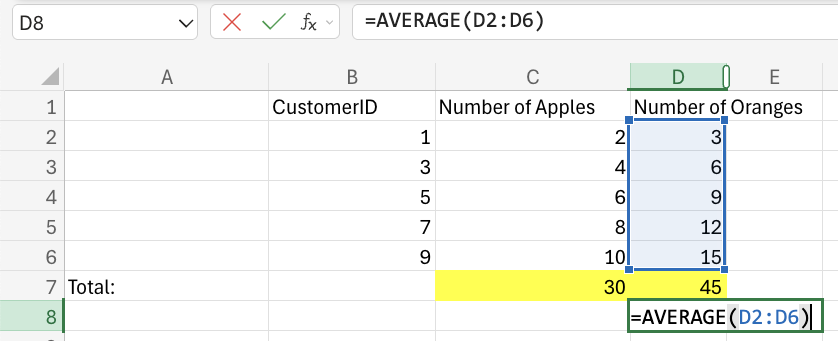
Please note this function ignores cells with text.
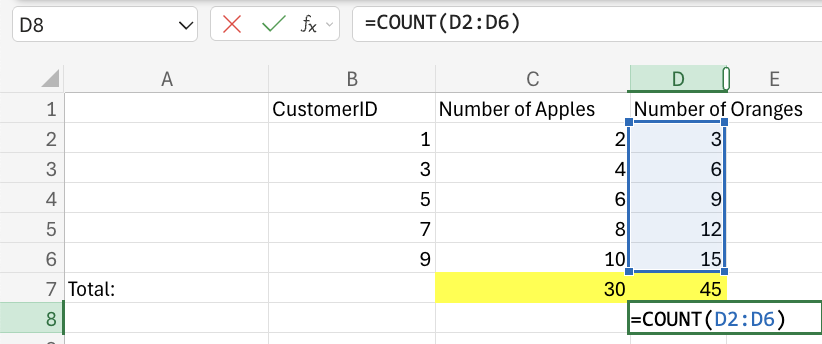
COUNT Function
The COUNT function counts cells with numbers in a range. To use this function, use `=COUNT`. This function only counts cells with numbers.
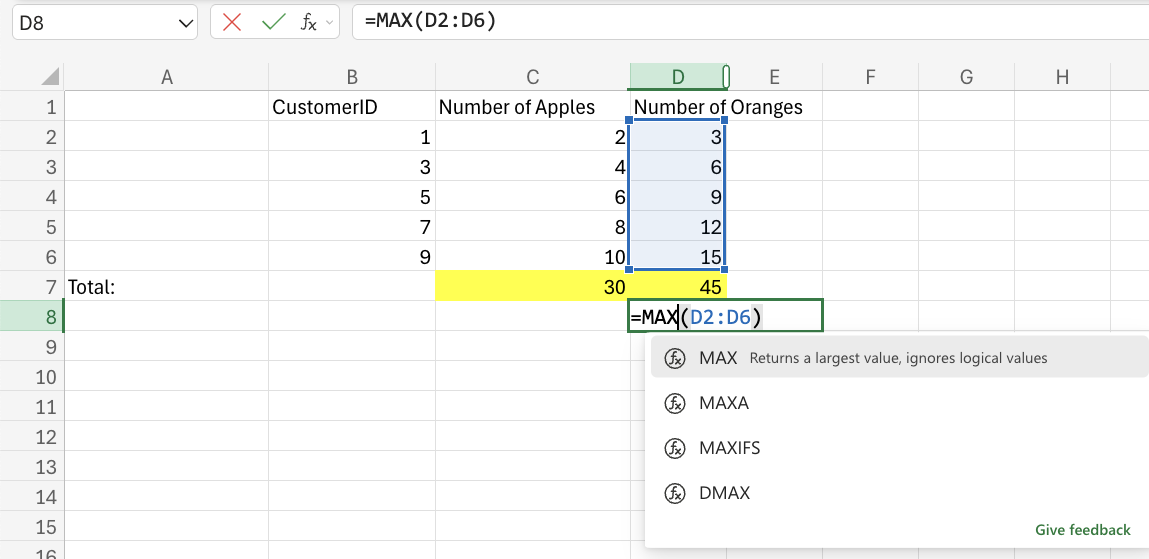
MAX Function
The max function finds the highest number in a range. To use this function, use `=MAX`. This function only works for cells with numbers.
MIN Function
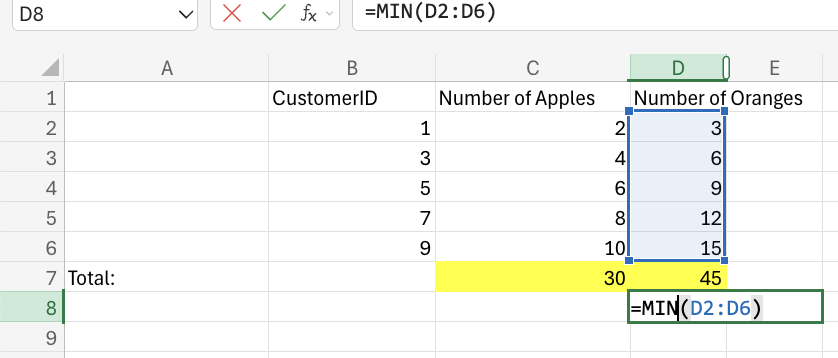
The min function finds the lowest number in a range. To use this function, use `=MIN`. This function only works for cells with numbers.
MEDIAN Function
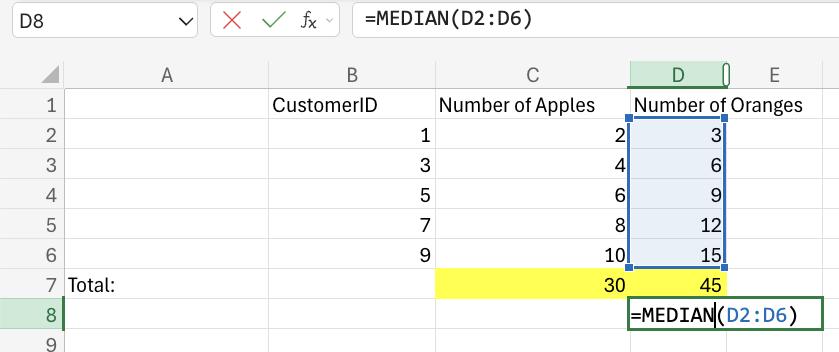
The median function finds the middle value in the data. To use this function, use `=MEDIAN`.
MODE Function
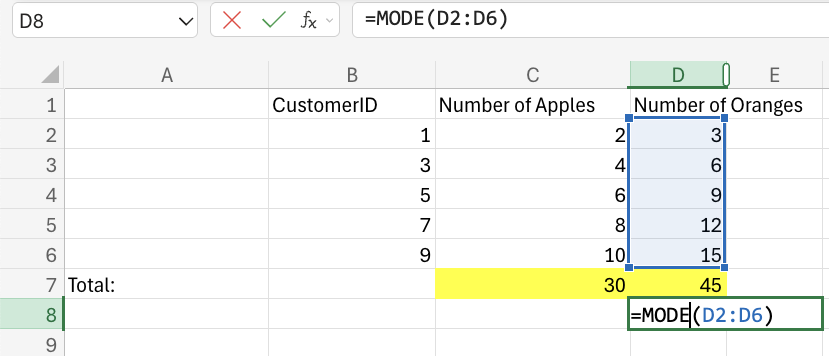
The median function finds the most frequent number in the dataset. To use this function, use `=MODE`.
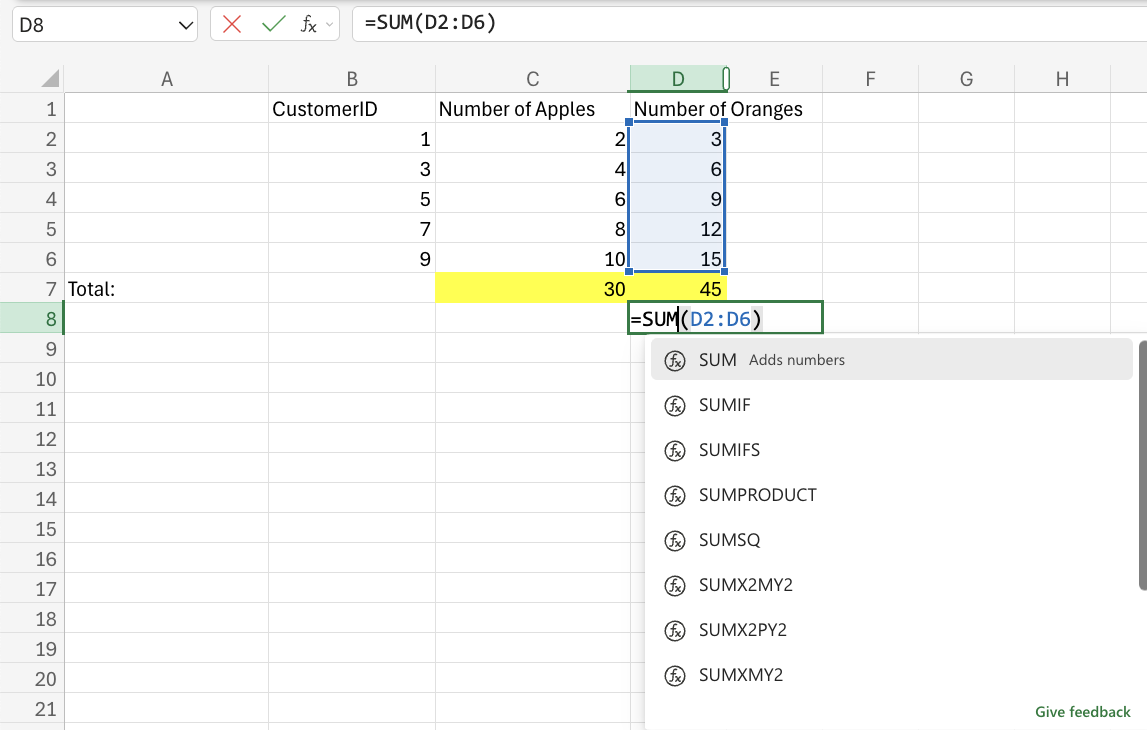
SUM Function
This function adds cells in a range, both negative and positive. It is typed `=SUM`