Adding Data to Cells
Adding Data
Learning Objectives
- How to add/delete data to cells
- Range Operation
- Fill operation for adding data
Adding Data to a Cell
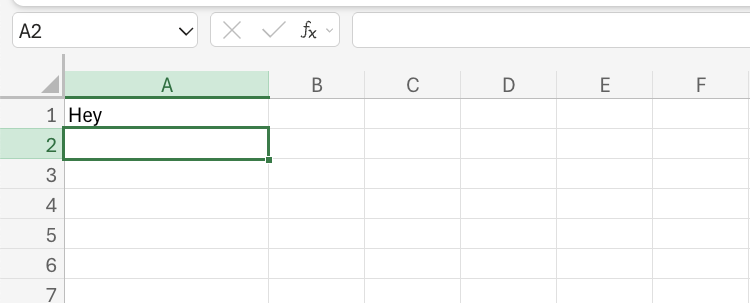
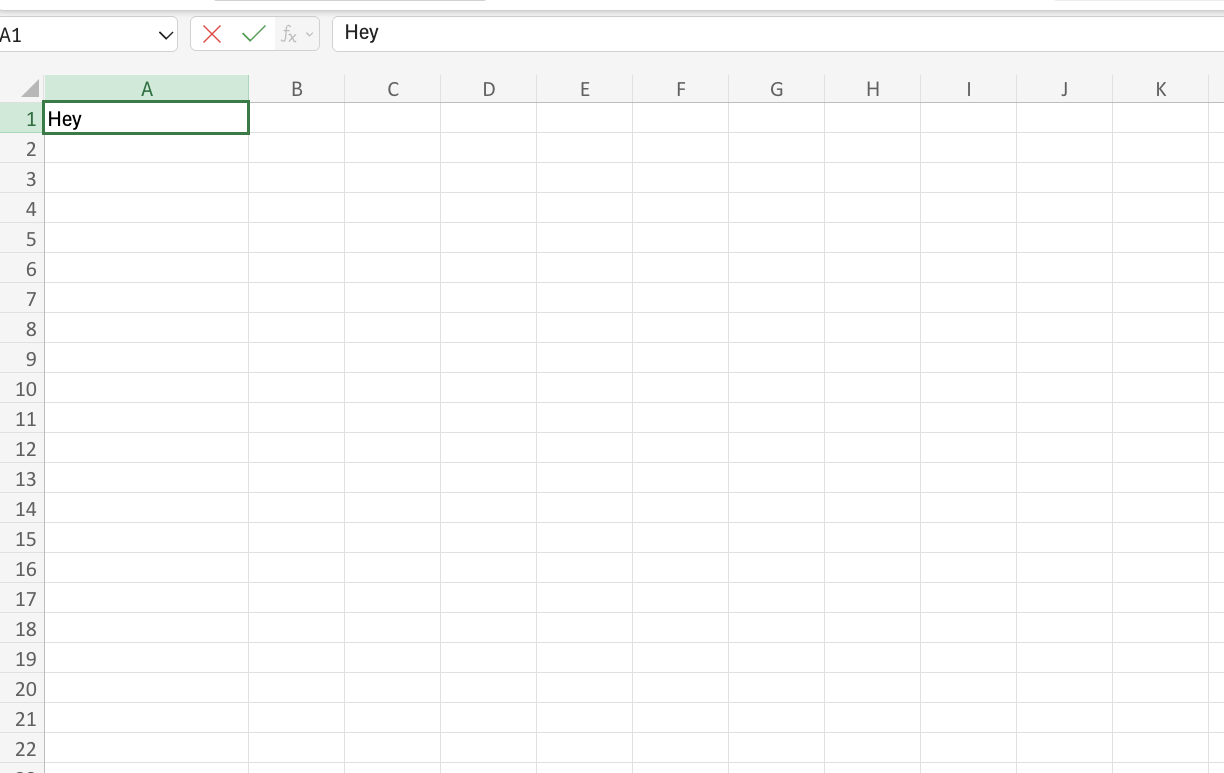
To add data to a cell, select and double click a cell. Then type in the data you would like to enter into the cell.
Deleting Data in a Cell
To delete cell values, select the original cells and remove them by pressing the “Delete” button on the keyboard.Example:
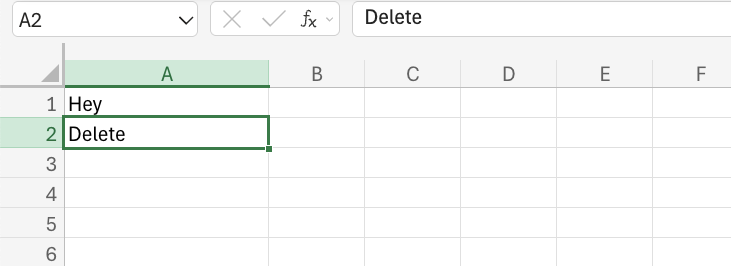
How the cell looks when the value is deleted: