Fill Operations
Filling Operations
Learning Objectives
- Understanding the purpose of filling operations
- Learning how to fill multiple columns
Filling Operations
Filling is used to fill ranges with values so that you do not have to type the values in manually.How to Fill
To fill a range of cells, first select a cell and then click the fill icon. The fill icon is at the bottom right corner of the cell and has the icon of a small square. When you hover over the icon, it will change to a thin cross.
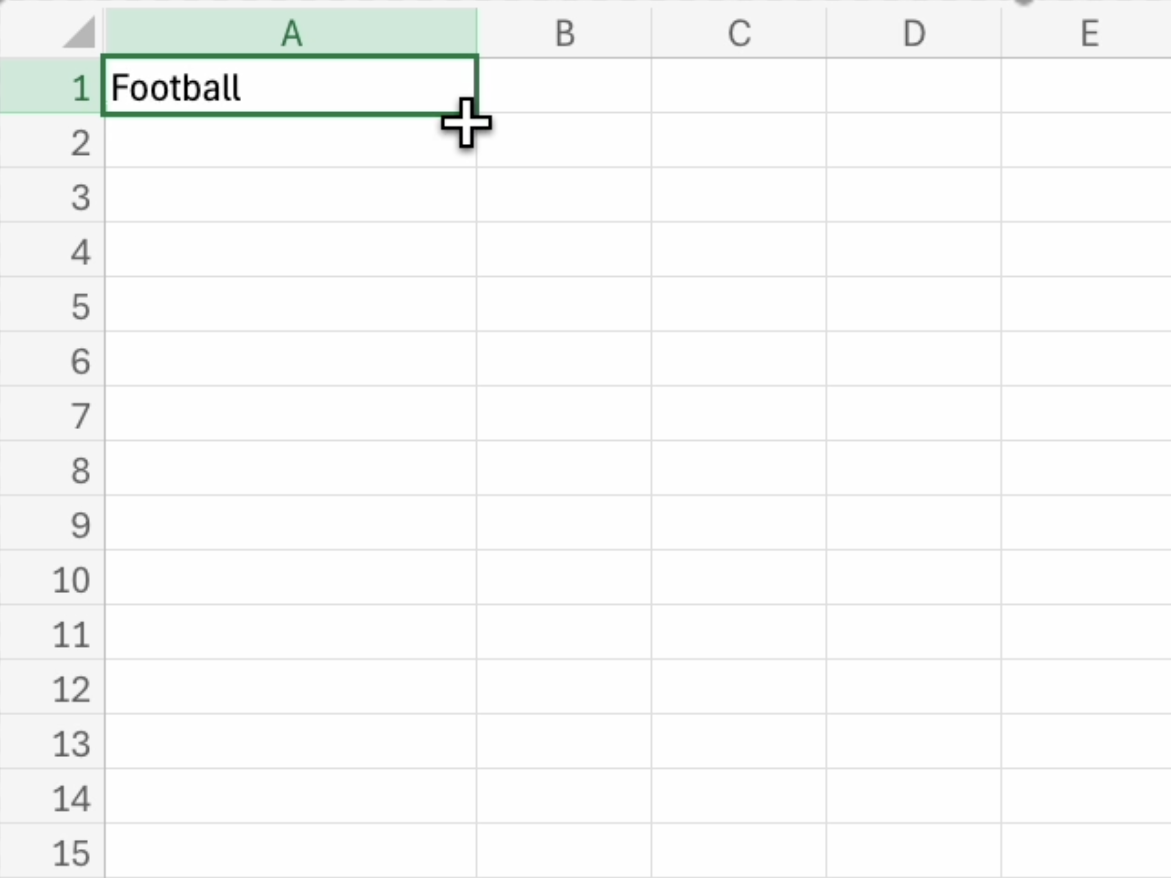
After selecting the fill icon, select the range of cells you want to fill. This will fill the range with the value that was in the selected cell.
Purpose of Filling
Filling can be used for:- Copying : Copying the same value into a range of cells
- Sequences : A sequence is an order. The filling function is used to continue an order of values that has been set.
- Dates : to fill in dates in cells
- Functions: You will learn more in a later section.
Tip: the date format depends on your regional language settings