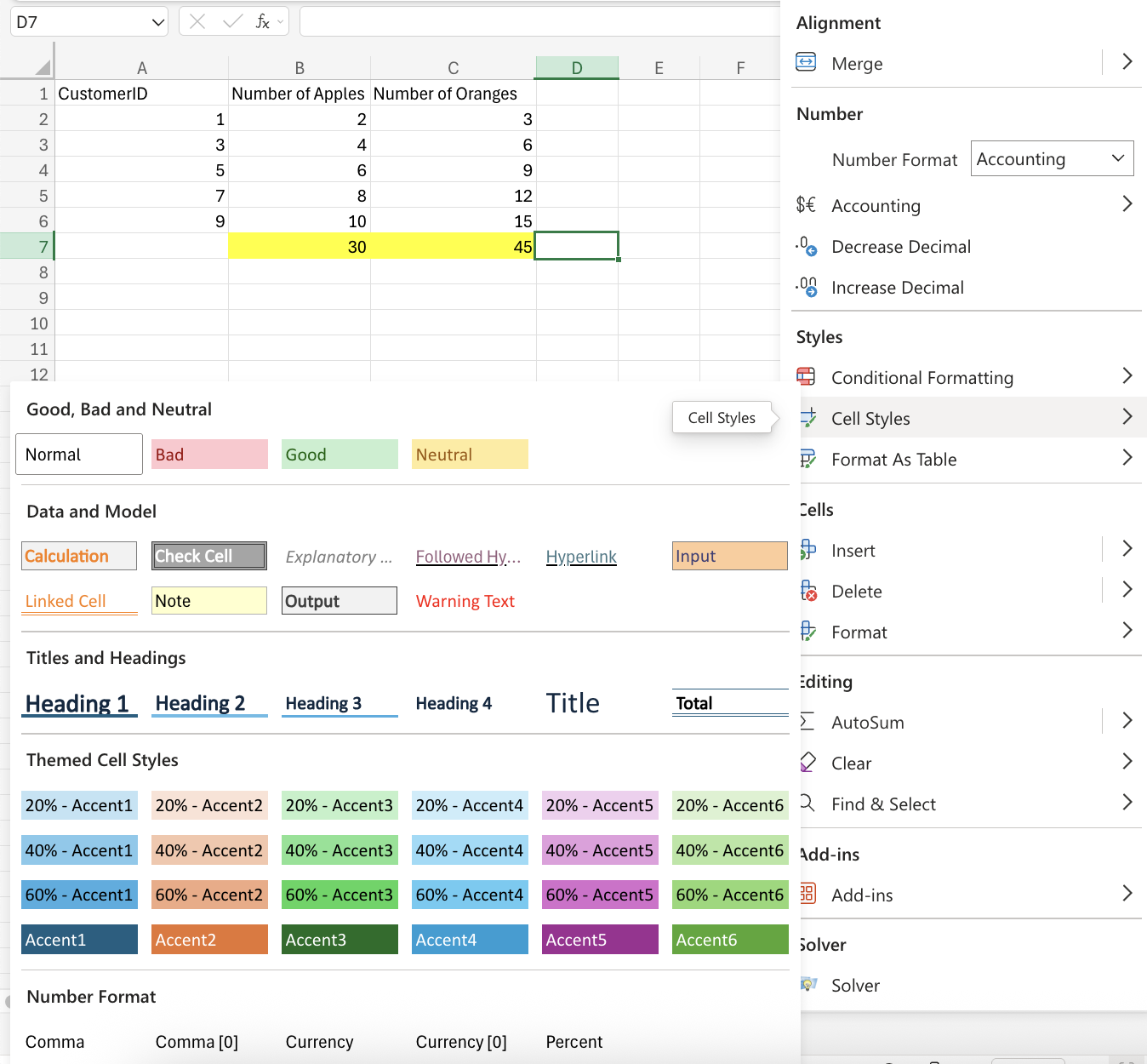
Conditional Formatting
Learning Objectives:
- Understanding what conditional formatting is.
- Learning the Highlight Cell Rules.
- Understanding the various Excel appearance options.
Conditional Formatting
Conditional Formatting changes the appearance of cells in a range based on specified conditions you set. These conditions are based on specified numerical values or matching text.The web version of Excel offers a selection of built-in conditions and appearances you can choose from.
Tip: The desktop app gives users the option to create fully customized conditional formatting rules.
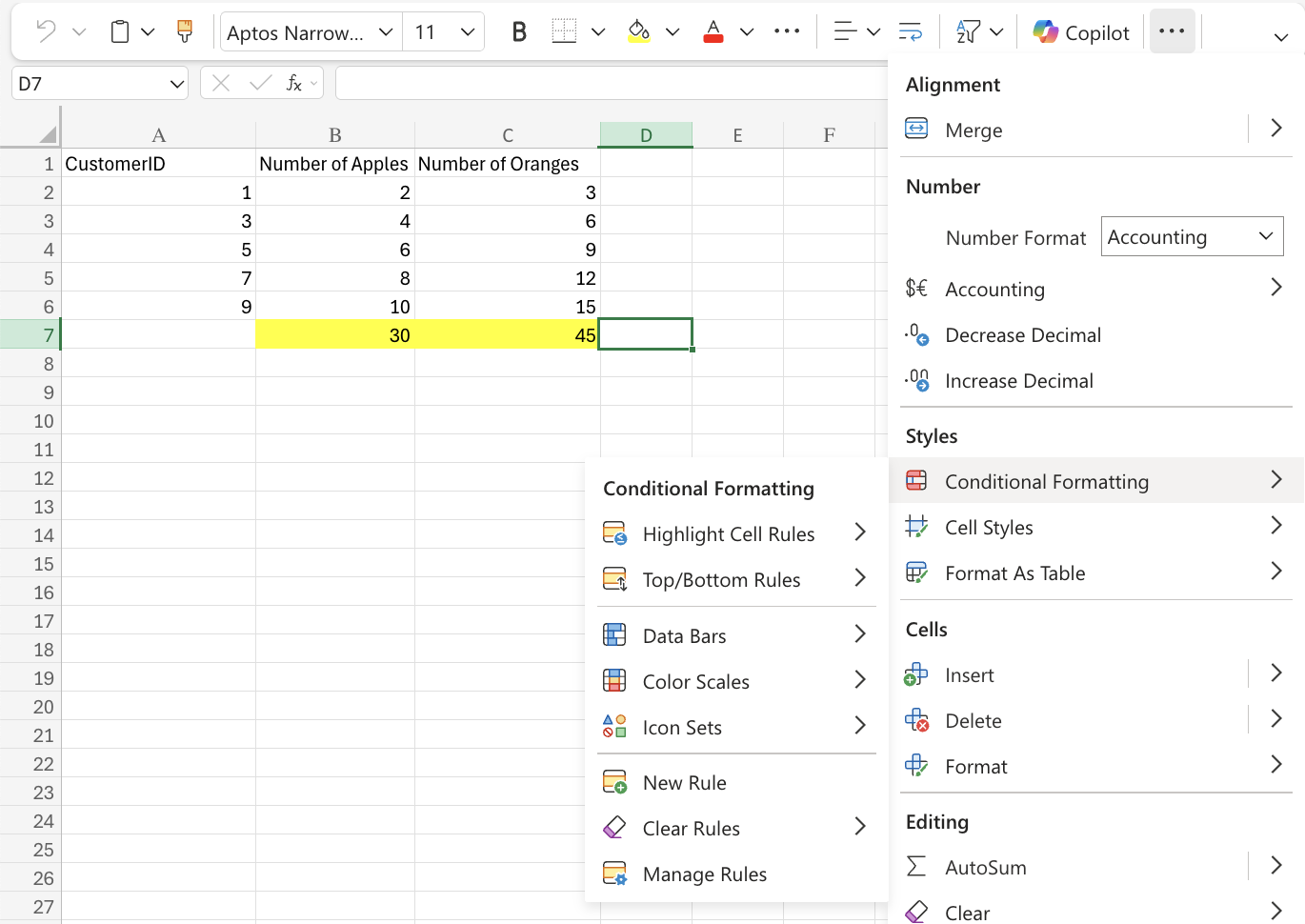
Highlighting Cell Rules
Highlight Cell Rules is built in condition type that is used to change the cell’s appearance in range based on specified conditions.These conditions are rules based on specified calendar dates, numerical values, matching texts, and/or unique values.
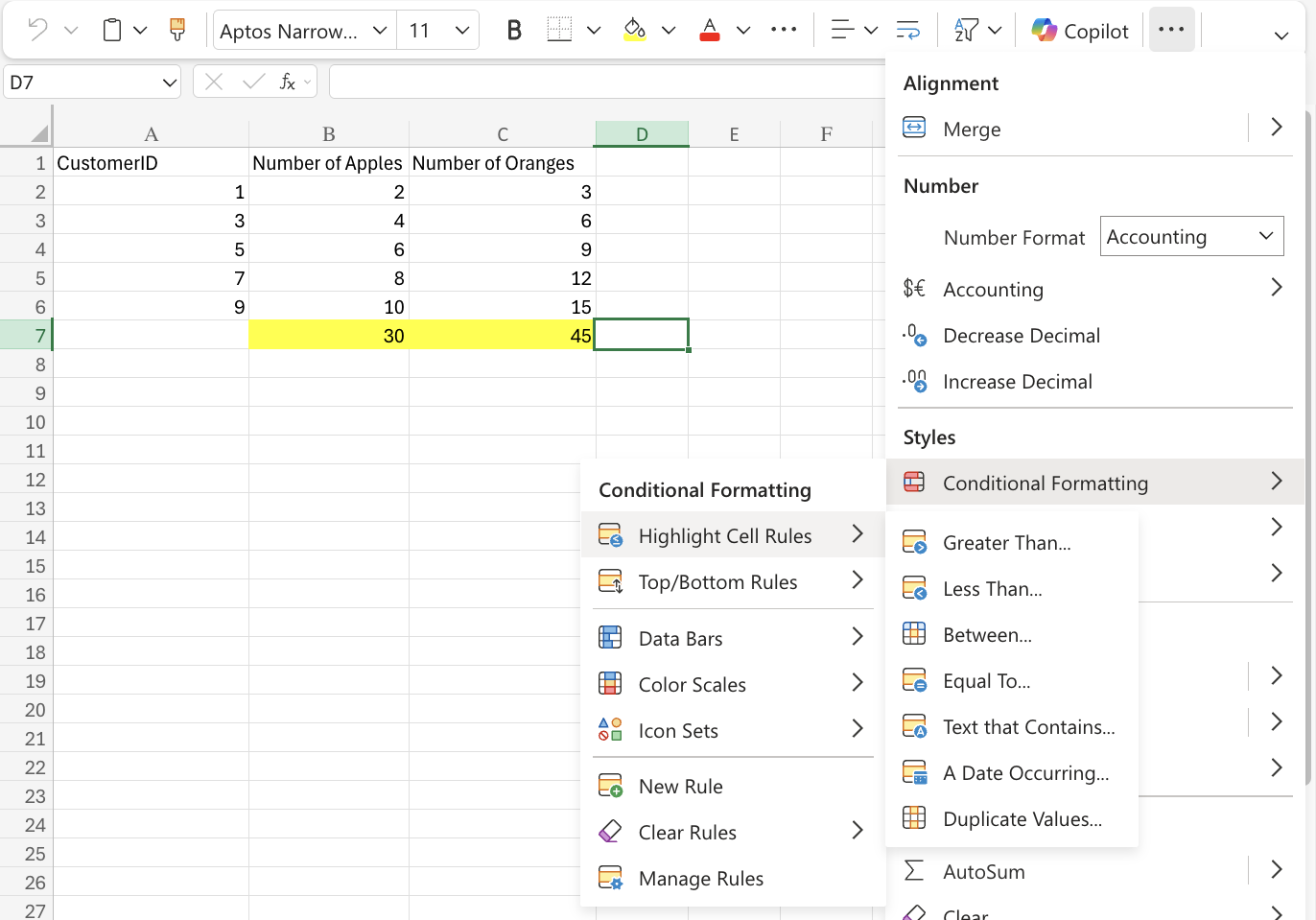
Appearance Options
The cell styles options that Excel offers allows users to add various themes to their spreadsheet. The most common cell styles are as follows:- Light Red Fill with Dark Red Text
- Yellow Fill with Dark Yellow Text
- Green Fill with Dark Green Text
- Light Red Fill
- Red Text
- Red Border