Manage Cell Rules
Learning Objectives:
- Understanding the function of the Manage Rules feature.
- Learning the Clear Rules Feature.
Manage Rules
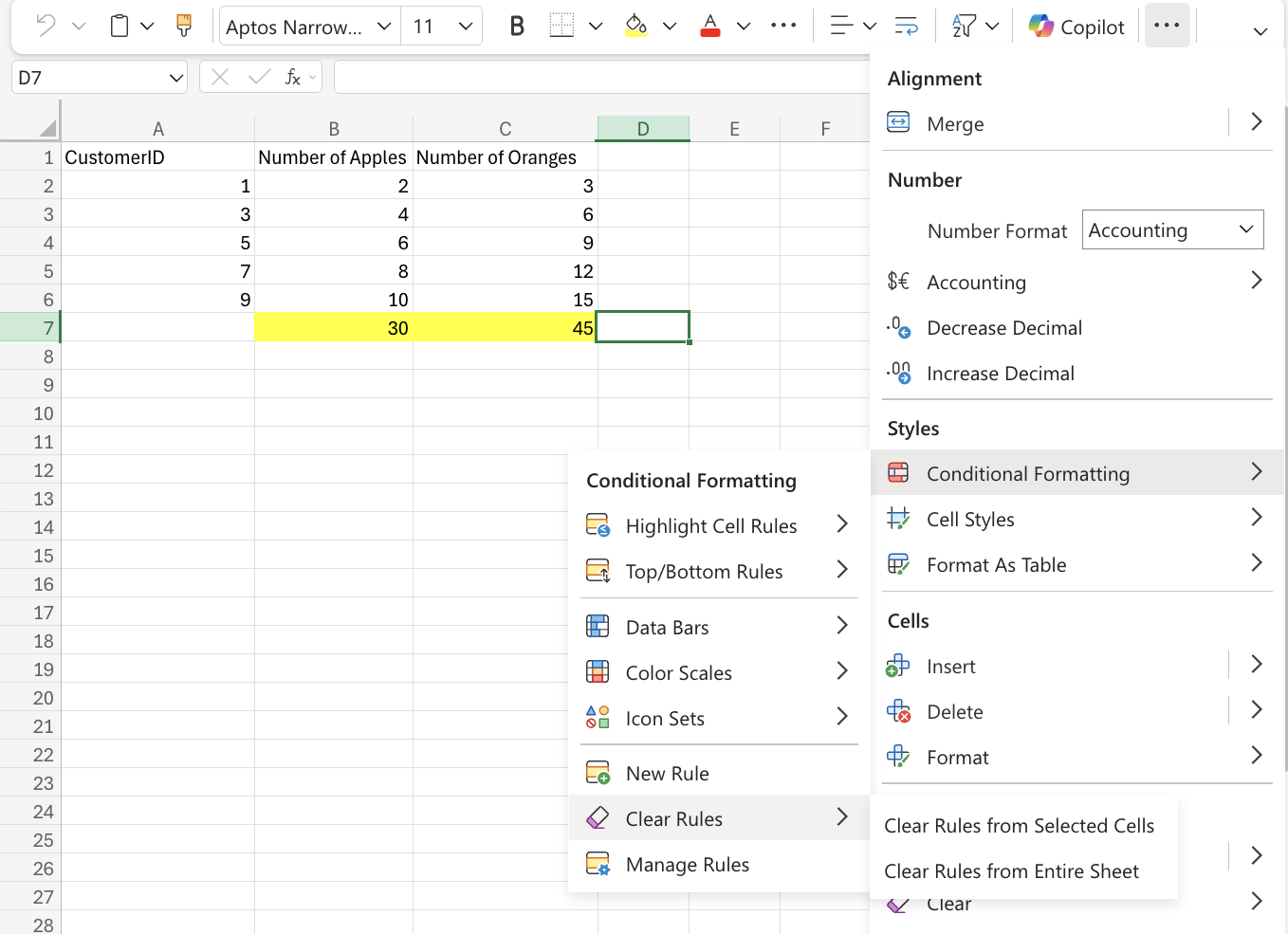
Conditional Formatting rules can be managed and removed using the Clear Rules and Manage Rules feature.The Clear Rules feature removes all rules from selected cells or from the entire spreadsheet.
The Manage Rules feature will show all the active rules that are applied to the selected range and indicate which cells the rule is applied to. This will allow you to delete specific rules from a specific range of cells.
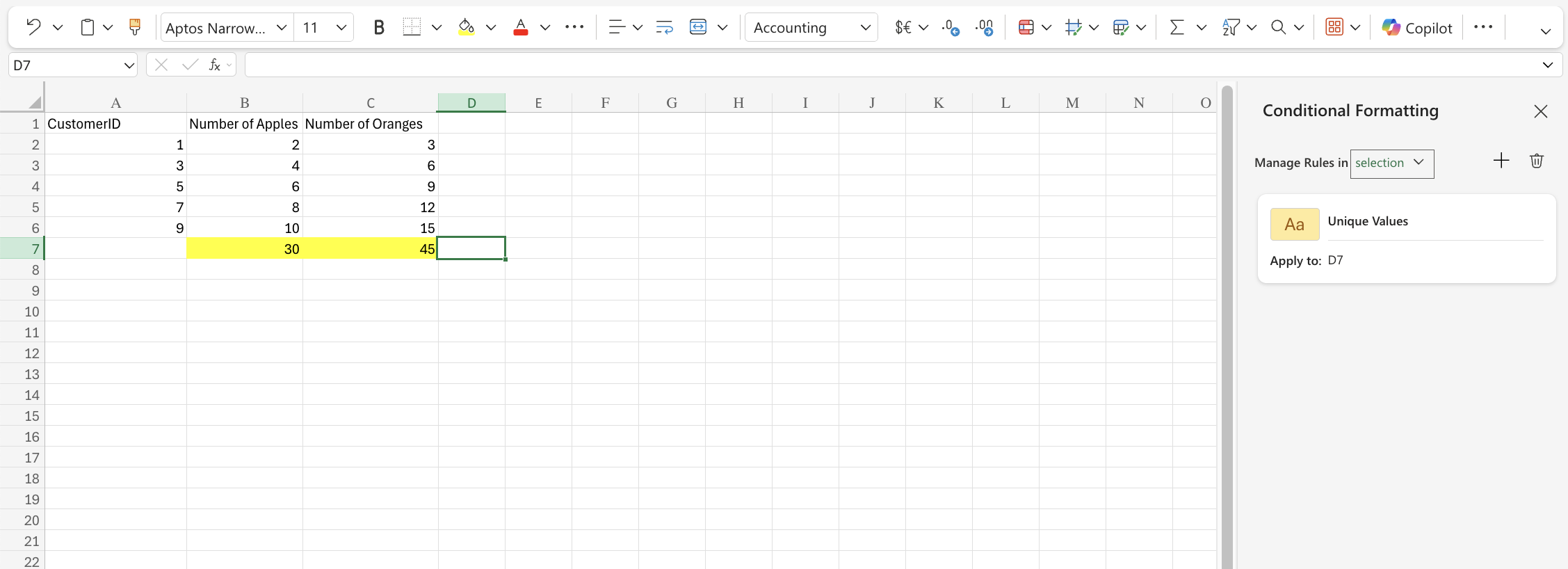
Warning: The web browser version of Excel, the only thing that can be managed is removing the rules.