Top Bottom Rules
Learning Objectives:
- Understanding Excel's Top/Bottom Rules.
- Learning the Clear Rules Feature.
Top/ Bottom Rules
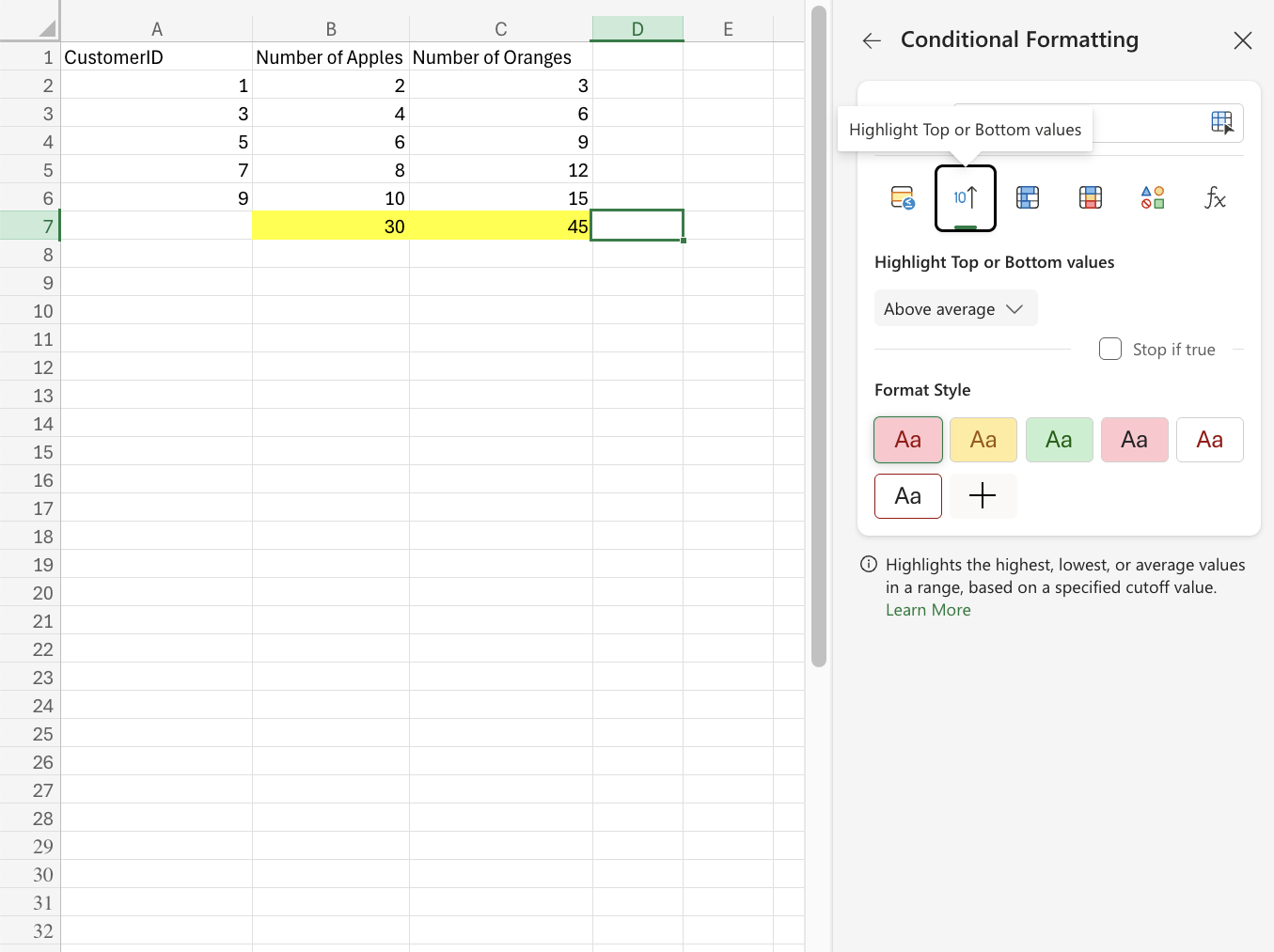
The Top/Bottom Rules will highlight cells with one of the following appearance options based on the cell value being the top or bottom values in a range:- Light Red Fill with Dark Red Text
- Yellow Fill with Dark Yellow Text
- Green Fill with Dark Green Text
- Light Red Fill
- Red Text
- Red Border
Tip: The default number of items is 10, but you can specify any whole number up to 1000 for Top/Bottom Items to be highlighted.
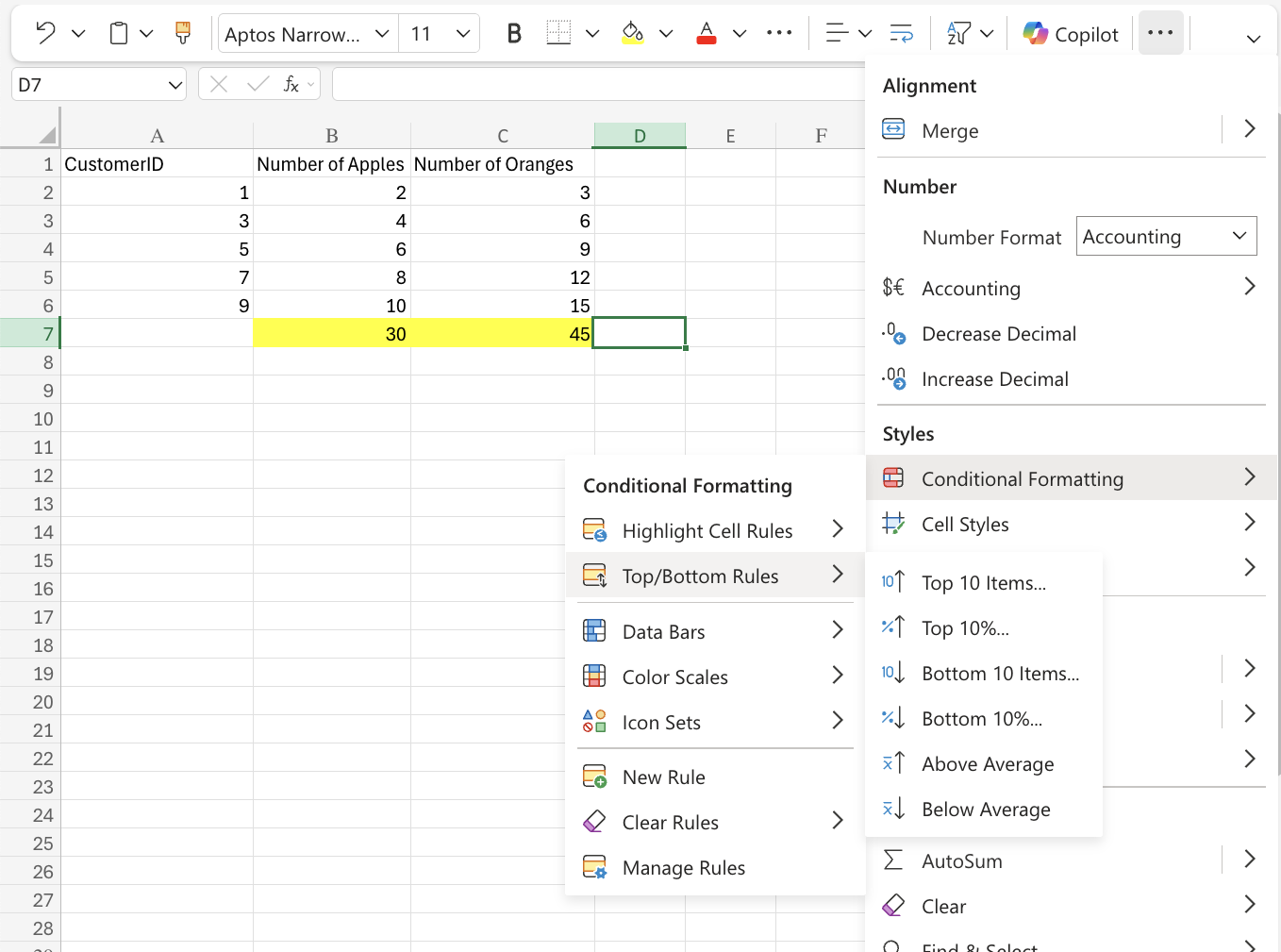
This same rule applies for Above and Below Average rules. This will highlight cells with one of the appearance options based on the cell value being above or below the average value in a range.