Common Data Cleaning Functions
Learning Objectives:
- Learning how to change capitalization in Excel.
- Learning to clean data based on logical functions (True or False).
- Understanding the TRIM Function in Excel.
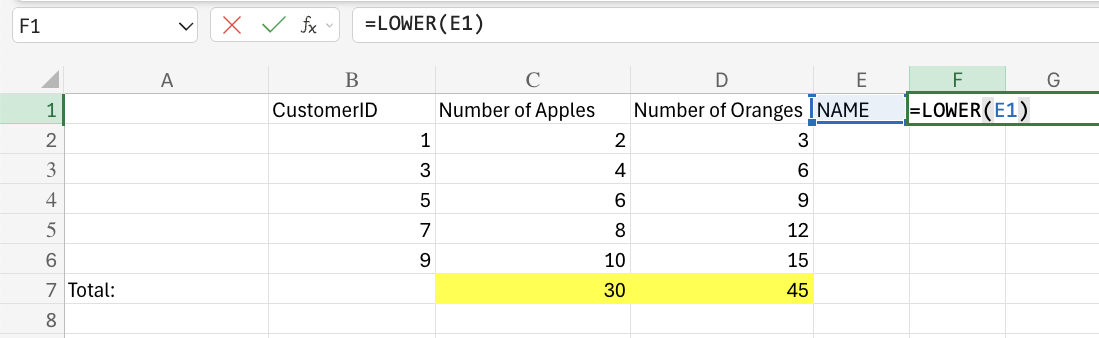
Lower Function
This function is used to lowercase text in a cell. Changing the letter case of your cell values can be beneficial when there are case inconsistencies among the cell inputs or when preparing your dataset for case-sensitive usage.It is typed =LOWER
TRIM Function
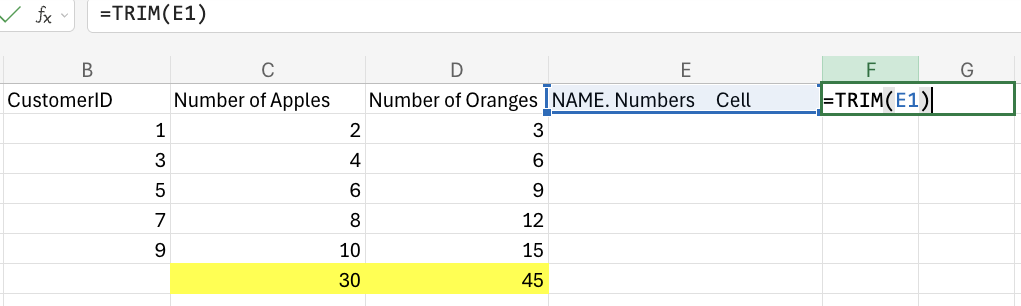
This function is used to remove irregular text spacing and keep single spaces between words.It is typed =TRIM
XOR Function
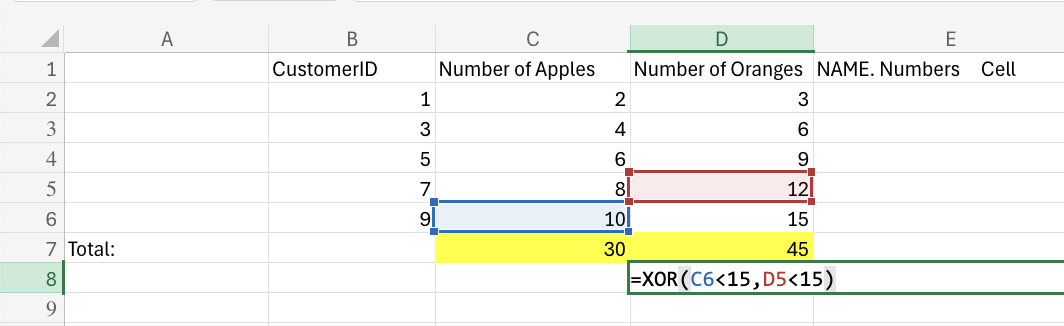
This function returns TRUE or FALSE based on two or more conditions.It is typed =XOR
=XOR([logical1], [logical2], ...)
The conditions are referred to as [logical1], [logical2], and so on. The conditions can check things like:
- If a number is greater than another number >
- If a number is smaller than another number <
- If a number or text is equal to something =
For two conditions, you can think of the XOR function as: "either this or that, but not both"